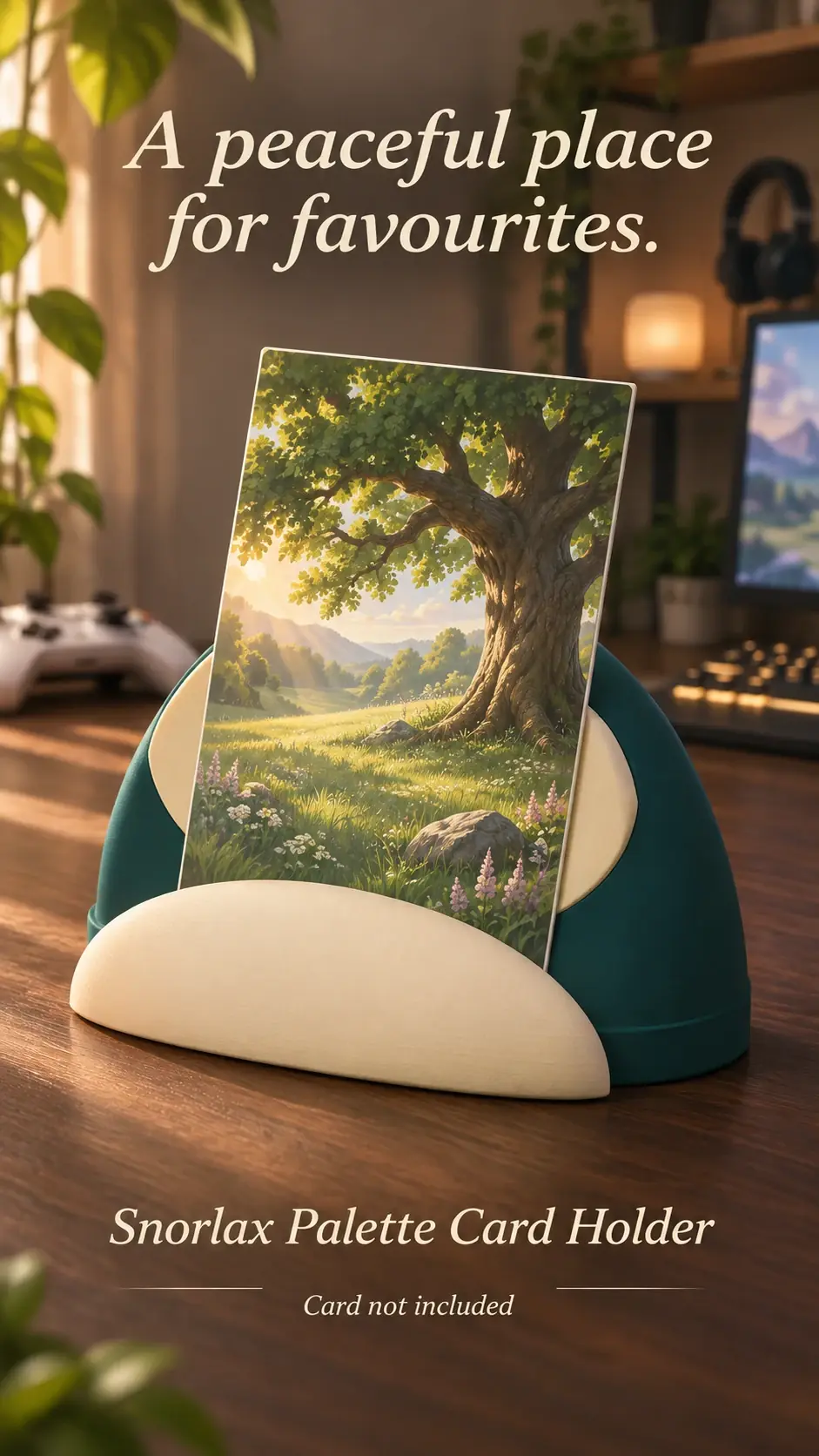
A holder can add personality to a desk background, but camera framing changes how it appears. Check the result on screen before a call.
Place it outside the working area
Keep the holder on a stable shelf rather than near keyboard movement or a monitor edge.
Check the camera crop
Use a camera preview to see whether the card is cut off or hidden by the frame. Position it where the full display can be seen.
Reduce reflections
Adjust room lights or screen angle if a bright reflection washes out the card. Avoid moving the holder during a call.
Product previews and sample card artwork are for illustration. Check each listing for the holder’s options and dimensions, and confirm card or protector fit before ordering. The designs are independent and fan-inspired; Custom Card Display is not affiliated with or endorsed by Pokémon, One Piece or their rights holders.
READY TO LOOK AROUND?
Find a display for your collection.
Browse the designs and check dimensions and options on each listing.