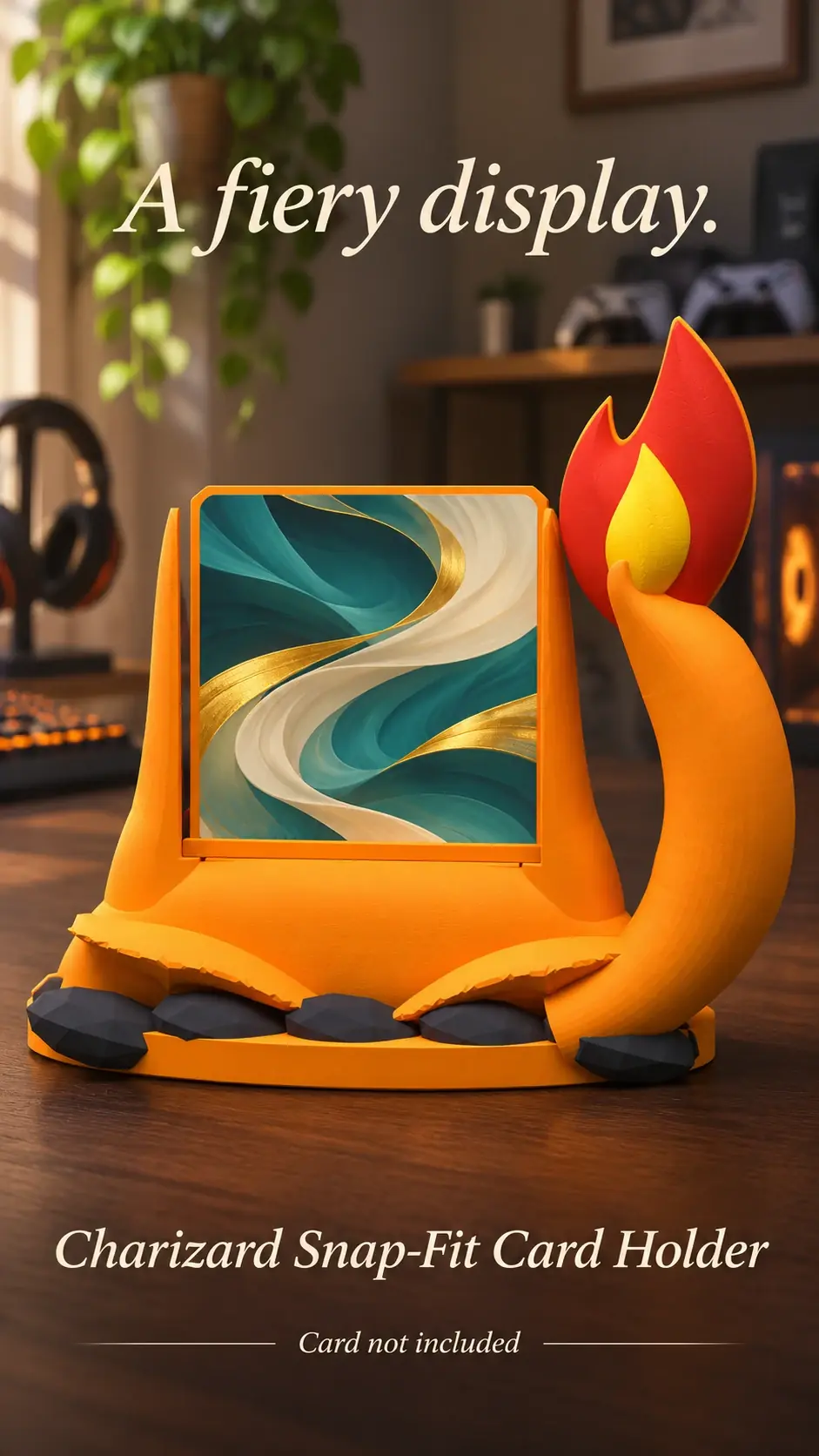
A bright reflection can hide the very artwork you want to photograph. A phone camera is often enough if you soften the light, simplify the scene and move until the reflection leaves the card surface.
Use soft light from the side
Start near a bright window but keep direct sun off the card. Turn off a harsh lamp that reflects straight back toward the camera, then use softer room light or indirect daylight.
Move the display a little at a time and watch the card surface. The goal is even light that shows the artwork without a bright white reflection.
Find an angle that shows the card
Hold the camera close to level with the card rather than shooting sharply down from above. If glare remains, shift the phone a few degrees left or right while keeping the holder straight in the frame.
Tap the card on your phone screen to focus and adjust exposure if the image looks washed out. Avoid digital zoom when you can step closer instead.
Keep the background quiet
Move loose cables, packaging and unrelated objects out of the frame. A plain desk or shelf helps the holder and card remain the focus.
Check the photo at full size before sharing it. Make sure the holder is not cropped, the artwork is in focus and any sample card is clearly presented as an illustration rather than an item included with a purchase.
Product previews and sample card artwork are for illustration. Check each listing for the holder’s options and dimensions, and confirm card or protector fit before ordering. The designs are independent and fan-inspired; Custom Card Display is not affiliated with or endorsed by Pokémon, One Piece or their rights holders.
READY TO LOOK AROUND?
Find a display for your collection.
Browse the designs and check dimensions and options on each listing.